
4. Add map features#
Here we will showcase a few ways to add various features to a map.
Import the modules
[1]:
%load_ext autoreload
%autoreload 2

from polartoolkit import fetch, maps, regions
Some of the features we will add require PolarToolkit to know when hemisphere we are working in, an easy way to tell PolarToolkit this is to set a Python environment variable.
[2]:
import os

os.environ["POLARTOOLKIT_HEMISPHERE"] = "south"
Use the PolarToolkit fetch module to download some Antarctic ice thickness data for the Amery Ice Shelf and return the grid as an xarray.DataArray
[3]:
ice_thickness = fetch.bedmap2(
    layer="ice_thickness",
    region=regions.amery_ice_shelf,
)
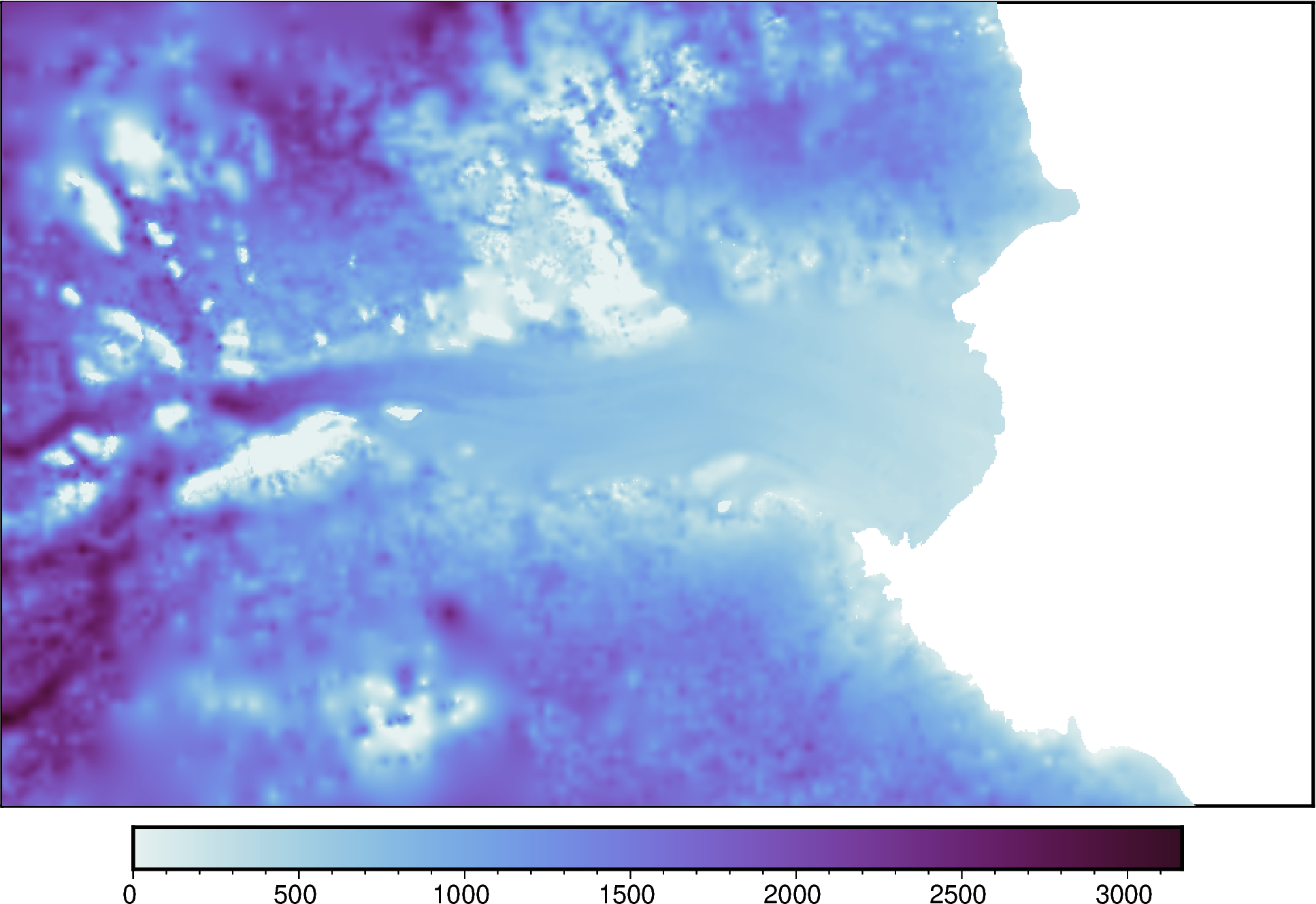
Create a simple map with default settings
[4]:
fig = maps.plot_grd(
    ice_thickness,
    cmap="dense",
)

fig.show(dpi=200)
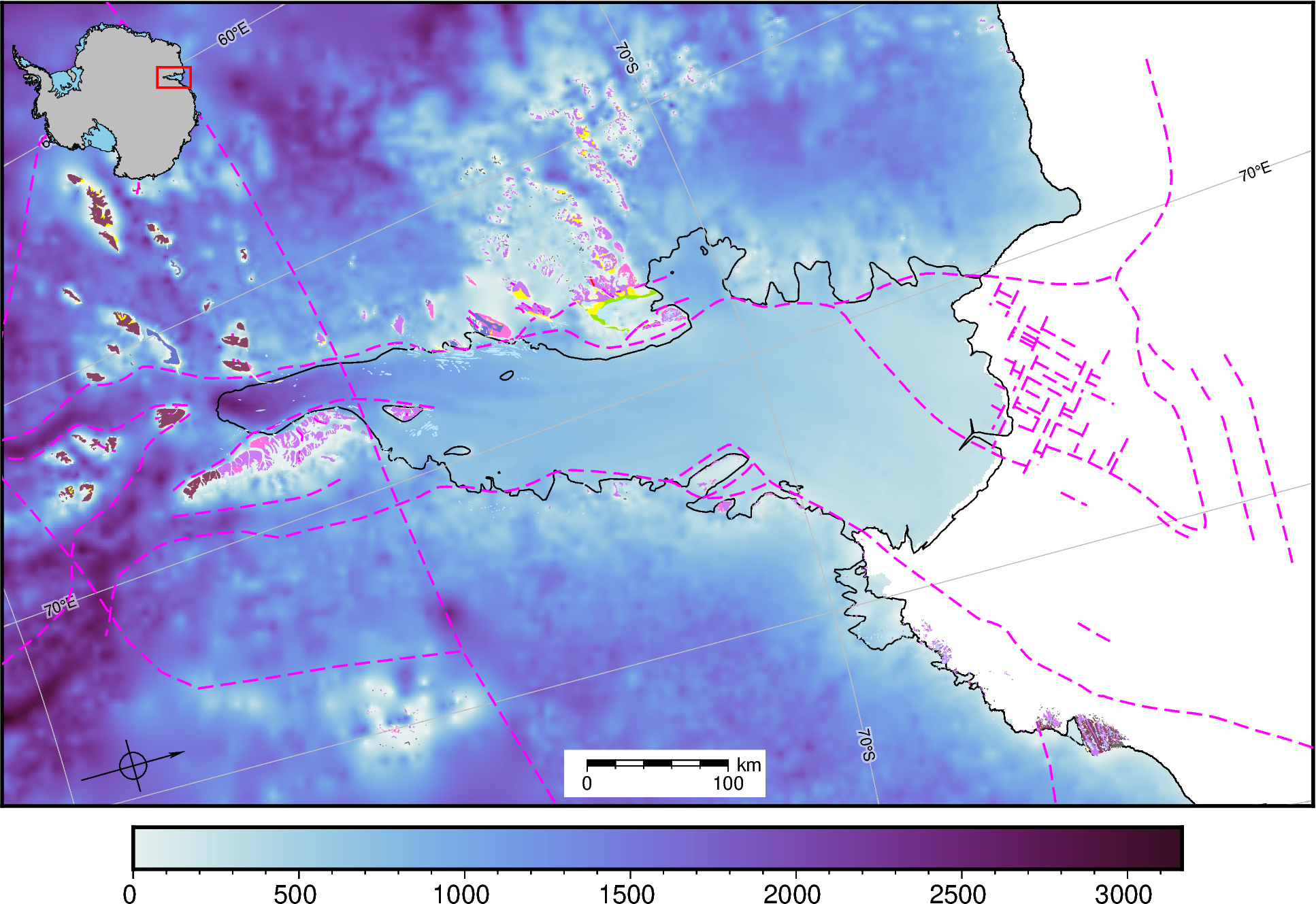
Add some built in map features. Each of these class functions have parameters which can be changed to alter the map, see the API reference for these.
[5]:
# add the coastline and groundingline
fig.add_coast()

# add some lat/lon lines
fig.add_gridlines(x_spacing=5, y_spacing=5)

# add some faults
fig.add_faults(legend=False)

# add geologic units
fig.add_geologic_units(legend=False)

# add an inset map
fig.add_inset()

# add a scale bar
fig.add_scalebar()

# add a north arrow
fig.add_north_arrow(rose_size="2c")

fig.show(dpi=200)
gmtset [WARNING]: Representation of font type not recognized. Using default.
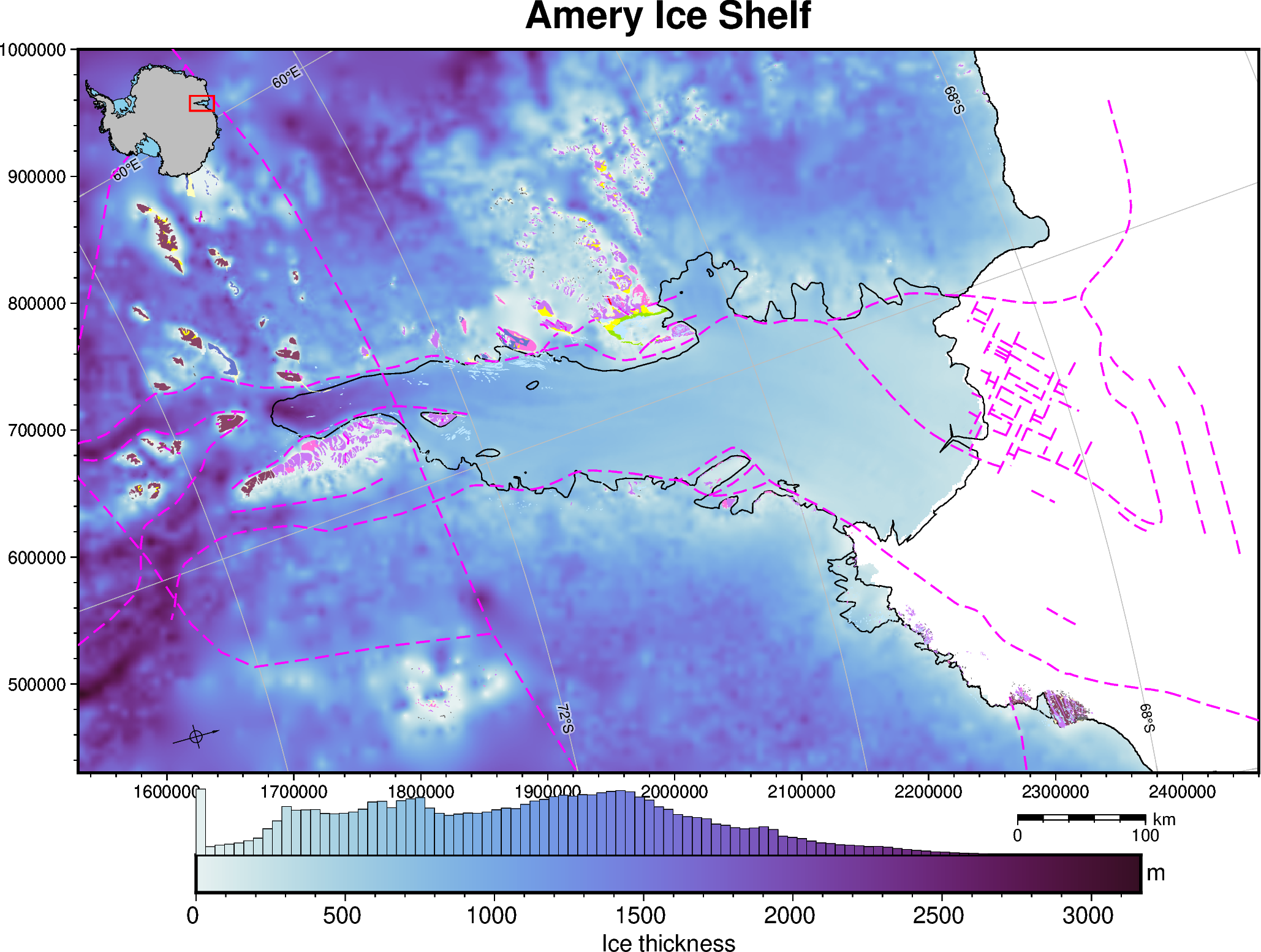
These can also all be called within the plot_grd() function
[6]:
fig = maps.plot_grd(
    ice_thickness,
    cmap="dense",  # set the colormap
    coast=True,  # add coastline/groundingline
    title="Amery Ice Shelf",
    cbar_label="Ice thickness",  # add label to colorbar
    cbar_unit="m",  # add units to y-axis of colorbar
    faults=True,  # add faults
    faults_legend=False,  # do not add legend for faults
    geologic_units=True,  # add geologic units
    geologic_units_legend=False,  # do not add legend for geologic units
    inset=True,  #  add inset map showing location
    inset_width=0.2,  # set width of inset map in percent of total figure width
    scalebar=True,  # add scalebar
    scalebar_position="n.85/-.065",  # set scalebar position
    north_arrow=True,  # add north arrow
    gridlines=True,  # add lat/lon gridlines
    x_spacing=10,  # longitude interval (degrees)
    y_spacing=2,  # latitude interval (degrees)
    hist=True,  # add a histogram to the colorbar
    hist_bin_num=100,  # 100 bins
    frame=True,  # add a frame around the figure
)

# display the figure
fig.show(dpi=200)
gmtset [WARNING]: Representation of font type not recognized. Using default.
[ ]: